Cracked, Dead, or Glitchy? How to Sell Broken Electronics

If your phone is cracked, glitchy, or barely holding a charge, you might assume it’s worthless. Most people do. That assumption is exactly why broken devices end up forgotten in drawers—or tossed into junk bins—when they still have real value.
The truth is, damaged electronics exist on a spectrum. Some are truly dead. Many aren’t. And knowing the difference can mean the difference between getting cash back—or getting nothing at all.
This guide breaks down what you can realistically do with broken or damaged devices, how buyers evaluate them, and when selling actually makes sense.
First: “Broken” Can Mean a Lot of Things
Before talking options, it helps to clarify what broken actually means in resale terms. Buyers don’t see devices as “working” or “not working”—they see salvageable value.
Common damage categories include:
- Cracked or shattered screens
- Battery health issues
- Charging port or button failures
- Water exposure
- Software or boot issues
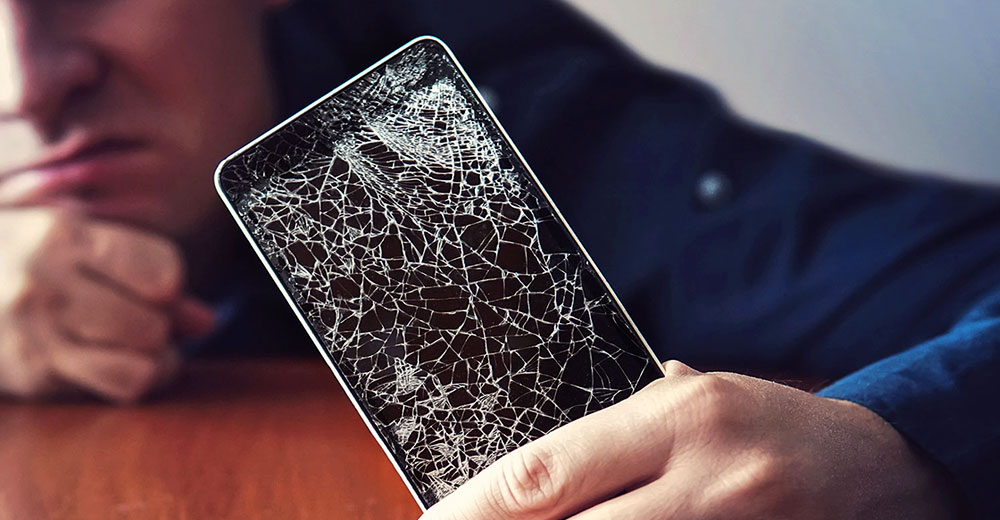
Each of these affects value differently. A cracked screen is often far less serious than internal board damage—even if it looks worse.
Option 1: Sell It As-Is for Cash
Many buyback and resale programs accept damaged devices—especially phones, tablets, laptops, and game consoles.
You’re most likely to get paid if:
- The device powers on
- Major components are intact
- The damage is cosmetic or isolated
Cracked screens, worn batteries, and faulty buttons are often expected repair costs, not dealbreakers. Buyers factor repairs into pricing rather than rejecting the device outright.
This option is usually the fastest and simplest, especially if your goal is to recover some value without dealing with repairs yourself.
Try BuckUp Today
We’re offering up to $500 Instant Cash for your devices.
Option 2: Repair First—But Only If the Math Works
Repairing a device before selling can increase resale value—but only in specific cases.
It makes sense when:
- Repair costs are low and predictable
- The device still has strong market demand
- You can clearly calculate the value difference
It usually doesn’t make sense when:
- Repairs are expensive or uncertain
- Multiple components are damaged
- The device is already several generations old
A common mistake is spending $150 to increase resale value by $80. If the repair doesn’t clearly outperform selling as-is, skip it.
Option 3: Part It Out (Advanced, Not for Everyone)
Some devices—especially laptops, desktops, cameras, and game consoles—have valuable internal components even when they don’t function as a whole.
This option is best suited for people who:
- Are comfortable with disassembly
- Can accurately list and ship parts
- Understand buyer expectations
For most people, parting out devices is time-intensive and inconsistent. It can yield higher returns, but it’s rarely the easiest path.
Option 4: Trade-In or Buyback Programs (With Caveats)
Some trade-in programs accept damaged devices, but the fine print matters.
Watch for:
- Regrading after inspection
- Heavily reduced payouts
- Store credit instead of cash
- Fees if you decline revised offers
Damaged-device trade-ins work best when terms are clear upfront and you’re comfortable with a lower—but predictable—payout.
When a Broken Device Probably Isn’t Worth Selling
Not every device is salvageable, and that’s okay.
You’re unlikely to get paid if:
- The device doesn’t power on at all
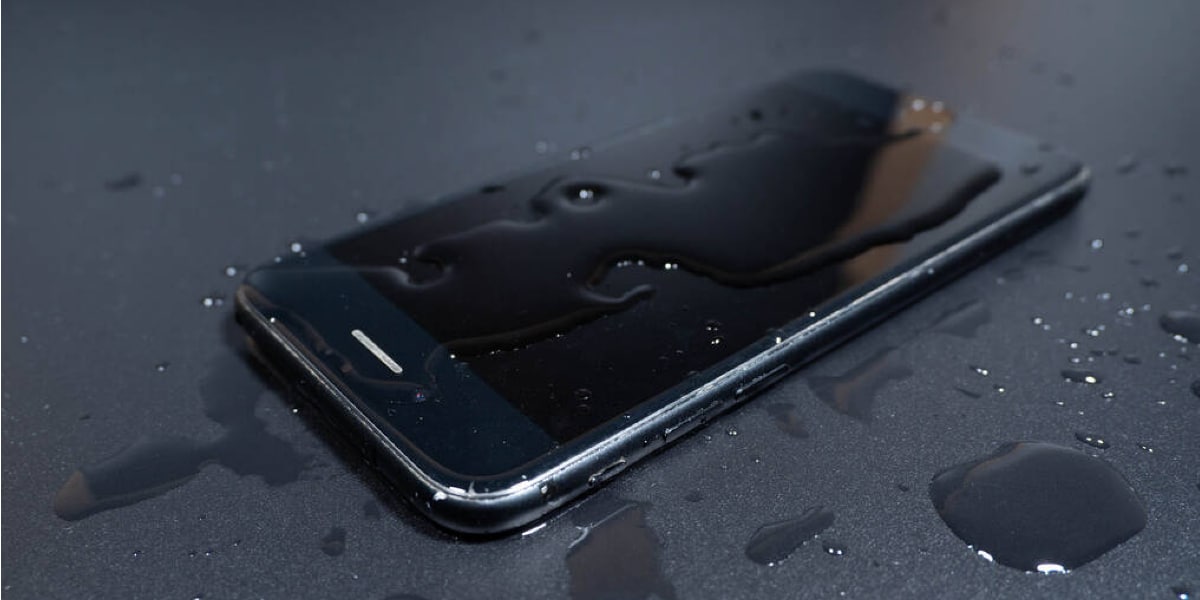
- It has severe water or fire damage
- Major components are missing
- It’s extremely old with no parts demand
In these cases, responsible recycling is usually the best option—environmentally and practically.

Why Broken Devices Still Matter
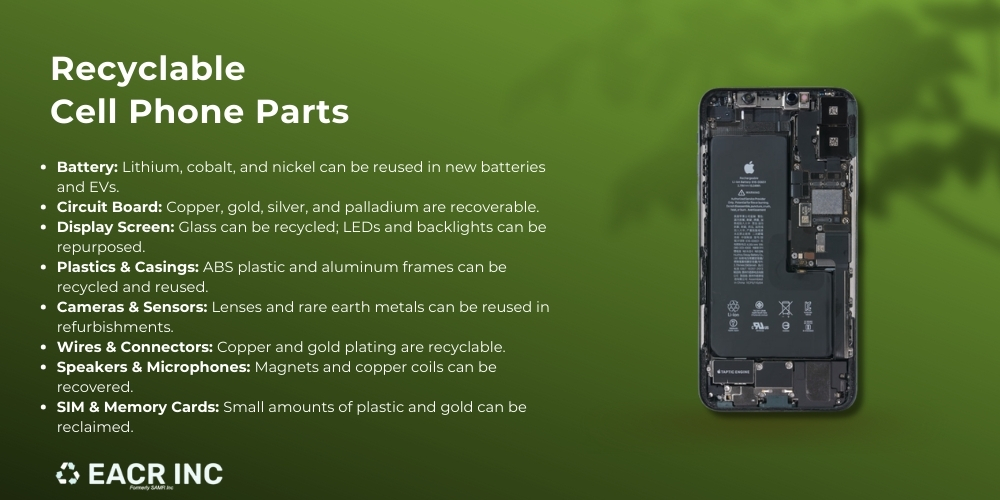
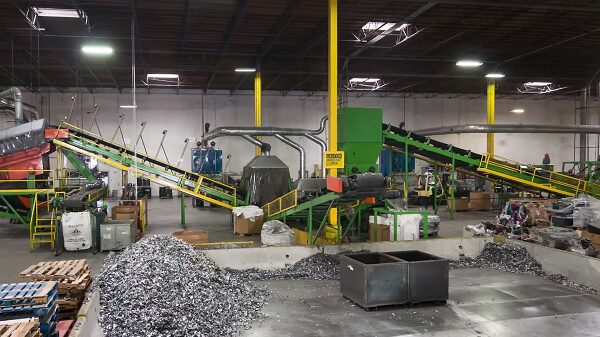
Broken electronics aren’t just clutter—they’re concentrated resources.
Even when a device can’t be reused:
- Parts can be recovered
- Materials can be recycled
- Hazardous components can be handled safely
Selling or recycling damaged tech keeps it out of landfills and reduces the need for new raw materials.
A Simple Decision Framework
If you’re not sure what to do, ask yourself:
- Does it power on?
- Is the damage isolated or widespread?
- Would repairs clearly increase value more than they cost?
- Do I want maximum value—or minimum effort?
Your answers will usually point clearly toward selling as-is, repairing, or recycling.
“Broken” Doesn’t Mean Worthless
A damaged device isn’t a failure—it’s just a device at a different stage of its lifecycle. The biggest mistake people make is assuming broken tech has no value, then doing nothing with it.
In many cases, the smartest move isn’t fixing it or throwing it away. It’s simply choosing the option that fits your time, effort, and expectations—and getting something back instead of nothing.